Ever wondered what is audio mastering and why professional tracks sound so polished compared to home recordings? The difference lies in that final, vital step between your mix and release-ready sound.
Audio mastering explained: it’s the process of refining your mixed track to achieve consistent, professional quality on playback systems of all types. Mastering audio definition goes beyond just making things louder. It involves careful frequency balancing and dynamic control, along with technical preparation for distribution.
We’ll walk you through the audio mastering basics, show you how the process works, and help you get started on your path to studio-quality sound.
What Is Audio Mastering? Beginner Basics You Must KnowAudio Mastering Basics: What Beginners Need to Know
Understanding audio mastering basics starts with recognizing where this process fits in music production. Mastering sits at the final stage, after you complete recording and mixing.
Mastering Audio Definition
The mastering audio definition describes a technical process that prepares your mixed track to distribute and play back on formats of all types. Mastering involves applying precise adjustments to frequency balance, dynamics, and overall loudness while the track meets technical specifications for different platforms.
Mastering works with stereo files or stems from your final mix. The mastering engineer applies subtle processing that affects the entire track rather than individual elements. This has equalization to balance frequencies, compression to control dynamics, limiting to achieve target loudness levels, and stereo enhancement to improve spatial quality.
Unlike mixing, where you balance individual instruments and vocals, mastering treats the complete mix as a single entity. The goal centers on creating a cohesive, polished sound that translates well whether someone listens through earbuds, car speakers, or high-end studio monitors.
Why Every Track Needs Mastering
Raw mixes lack the sonic consistency and technical polish required to release professionally. Your mix might sound great in your studio but fall apart on other playback systems. Mastering bridges this gap.
Frequency imbalances become apparent when you play your track on different devices. What sounds balanced on studio monitors might have excessive bass on headphones or thin treble on laptop speakers. Mastering corrects these problems through careful equalization.
More, streaming platforms like Spotify, Apple Music, and YouTube have specific loudness standards measured in LUFS (Loudness Units relative to Full Scale). Unmastered tracks often don’t meet these requirements and result in inconsistent volume levels when your song plays alongside tracks that are mastered professionally. This volume discrepancy makes your music sound amateur in playlists.
Dynamic range control through mastering prevents certain sections from being too quiet or too loud. Proper mastering will give every part of your track the ability to remain audible and meaningful without causing listener fatigue.
The Role of a Mastering Engineer
Mastering engineers bring specialized skills and equipment to the final production stage. Their trained ears identify frequency problems, dynamic inconsistencies, and stereo imaging issues that producers often miss after spending hours on a mix.
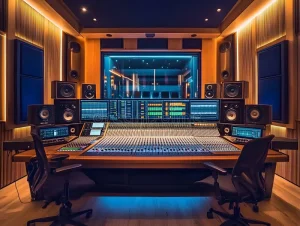
We rely on mastering engineers to provide objective feedback. They listen with fresh ears in treated environments acoustically using high-quality monitoring systems. This objectivity proves invaluable to catch problems you’ve become blind to during the mixing process.
Mastering engineers also prepare your track for various distribution formats professionally. They create different masters for streaming, CD, vinyl, and broadcast, each optimized for its specific medium. They also handle technical aspects like embedding metadata, creating fade-outs, and spacing tracks for album releases.
The mastering engineer serves as the final quality checkpoint before your music reaches listeners. Their expertise will give your track the ability to meet industry standards while preserving the artistic vision established during recording and mixing.
Why Audio Mastering Matters for Your Music
Skip mastering and you release incomplete work. The difference between amateur and professional releases often comes down to this final step, whatever the quality of your recording or mix.
Achieving Professional Sound Quality
Professional sound quality separates tracks that get attention from those that get skipped. Mastering brings sonic refinement that listeners recognize at once, even if they can’t express what sounds better. The process addresses micro-level details in your frequency spectrum that mixing alone cannot resolve.
Your ears adapt to your mix after hours of work and you miss subtle problems. Mastering provides a fresh point of view through specialized processing that reveals and corrects these hidden issues. The result transforms a good mix into a release that holds up against commercial standards.
Mastering acts as quality assurance. It catches phase problems, identifies frequency buildups, and smooths out harshness that appeared acceptable during mixing. This refinement creates the polished character listeners associate with professional productions.
Ensuring Consistent Playback Across Devices
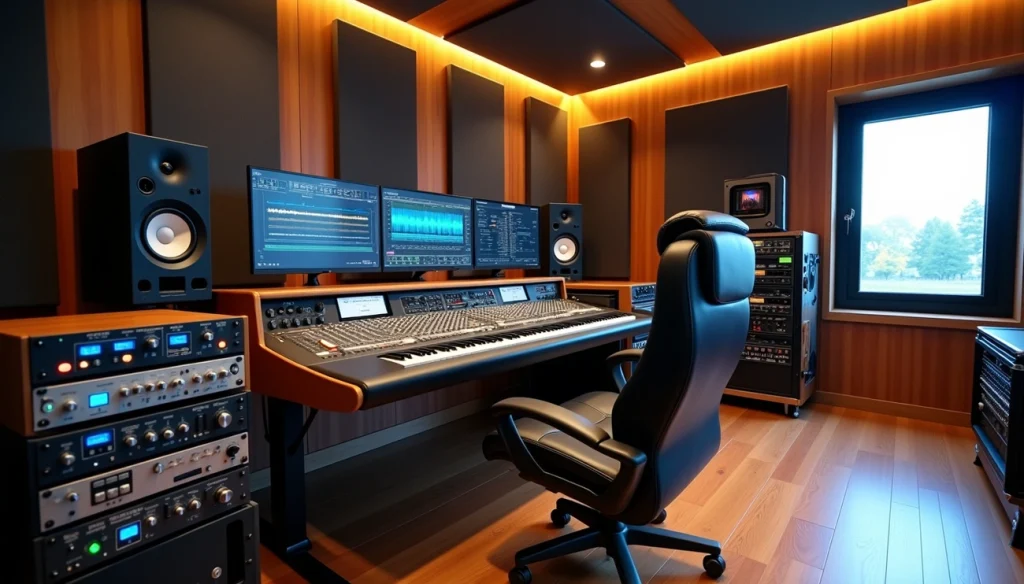
People consume music through countless playback systems. Your track moves from studio monitors to car speakers, from high-end headphones to smartphone speakers, from home theaters to laptop audio. Each system has different frequency responses and characteristics.
Mastering optimizes your track for this varied landscape. The process ensures bass frequencies remain present but controlled on small speakers while preventing overwhelming low-end on subwoofer systems. High frequencies need clarity without harshness in different playback environments.
You test and adjust during mastering so your track maintains its intended effect whether someone listens through AirPods during their commute or through a premium sound system at home. This consistency builds your reputation as listeners get reliable quality in all contexts.
Meeting Streaming Platform Standards
Streaming platforms apply normalization algorithms that adjust track loudness to match their target levels. Spotify, Apple Music, Tidal, and YouTube each use different normalization standards. Unmastered tracks often suffer from these automatic adjustments.
To name just one example, platforms may turn down overly loud tracks or apply limiting to prevent clipping. These automatic processes can introduce distortion or reduce your track’s punch. Proper mastering accounts for these platform-specific requirements before upload.
Mastering also ensures your metadata embeds properly and your file format meets technical specifications. Rejected uploads or playback issues damage your professional image and delay releases.
Making Your Track Competitive
Your music competes for attention in playlists alongside major label releases. When you understand what is audio mastering, you realize how crucial that final step is in capturing a listener’s attention. Listeners make split-second decisions about whether to keep listening or skip to the next track, and sonic quality plays a huge role in that decision.
Mastered tracks command attention through balanced frequency response, appropriate loudness, and enhanced stereo width. These elements work together to create immediate impact, which is exactly why learning what is audio mastering matters for any serious producer. Unmastered tracks sound flat, quiet, or unbalanced by comparison, and listeners move on quickly.
Mastering levels the playing field. Once you truly understand what is audio mastering, you can give independent productions the same sonic strength as major releases. It allows independent artists and small studios to reach a professional standard, ensuring your music competes effectively in today’s crowded streaming environment.
How Audio Mastering Works: The Complete Workflow
The mastering workflow follows a structured sequence of processing steps. Each builds on the previous stage to achieve the final polished sound. Understanding this workflow helps you see what happens between your finished mix and release-ready track.
Preparing Your Mix for Mastering
Preparation determines how smoothly the mastering process proceeds. Export your final mix as a high-resolution WAV or AIFF file and maintain the same sample rate and bit depth you used during recording. 24-bit/48kHz or higher preserves audio quality throughout processing.
Keep your mix peaks below -3 dBFS to leave approximately 3-6 dB of headroom. This prevents clipping and gives the mastering engineer room to work. Remove any limiting or heavy compression from your master bus unless it’s essential to your sound. Turn off these processors before you bounce your final mix.
Create a stereo file rather than stems unless someone requests it. The mastering engineer works with your complete mix as a single entity. Include any intentional fade-ins or fade-outs in your bounce.
Frequency Balancing with EQ
Equalization addresses tonal imbalances across the frequency spectrum. The mastering engineer identifies problem areas through spectrum analysis and critical listening first. Excessive low-end buildup, harsh midrange frequencies, or dull high-end all receive correction.
Mastering EQ uses surgical precision rather than broad strokes. A slight boost around 8-12 kHz might add air and presence. A small cut around 200-400 Hz can reduce muddiness. These adjustments range from 0.5 to 2 dB, much subtler than mix-stage EQ.
Linear phase EQ prevents phase shift across the frequency spectrum and maintains stereo imaging integrity. This proves especially valuable when you make broad adjustments to low frequencies.
Dynamic Range Control
Compression controls the overall dynamic range without squashing individual elements at the mastering stage. Multi-band compression treats different frequency ranges independently and tightens bass without affecting vocals or adds punch to midrange without over-compressing highs.
Ratios stay conservative, between 1.5:1 and 3:1. Attack and release times require careful adjustment to preserve transients while smoothing overall dynamics. The goal centers on cohesion rather than dramatic volume changes.
Stereo Enhancement Techniques
Stereo imaging adjustments create width and depth perception. Mid-side processing separates the center (mid) information from the sides and allows independent treatment of each. Widening the stereo field on high frequencies while keeping bass centered maintains compatibility across playback systems.
Don’t use much of either stereo enhancement. Excessive widening causes phase issues and weak mono playback, problematic for club systems and smartphones.
Final Loudness and Limiting
Limiting achieves target loudness levels while preventing digital clipping. The limiter acts as a ceiling and catches peaks while increasing perceived volume. Streaming platforms require specific LUFS targets, between -14 and -16 LUFS for most services.
Push limiting too hard and you introduce distortion, reduce punch, and cause listener fatigue. The mastering engineer balances loudness with dynamic preservation.
Exporting Master Files
Export creates multiple file versions for different distribution channels. High-resolution masters for download stores, 16-bit/44.1kHz for CD, and format-specific versions for streaming platforms. Embed ISRC codes, metadata and other required information during export.
Create a DDP file for CD replication or separate WAV files with proper spacing for digital distribution. Keep uncompressed master files archived for future use.
Getting Started: Your First Steps in Audio Mastering
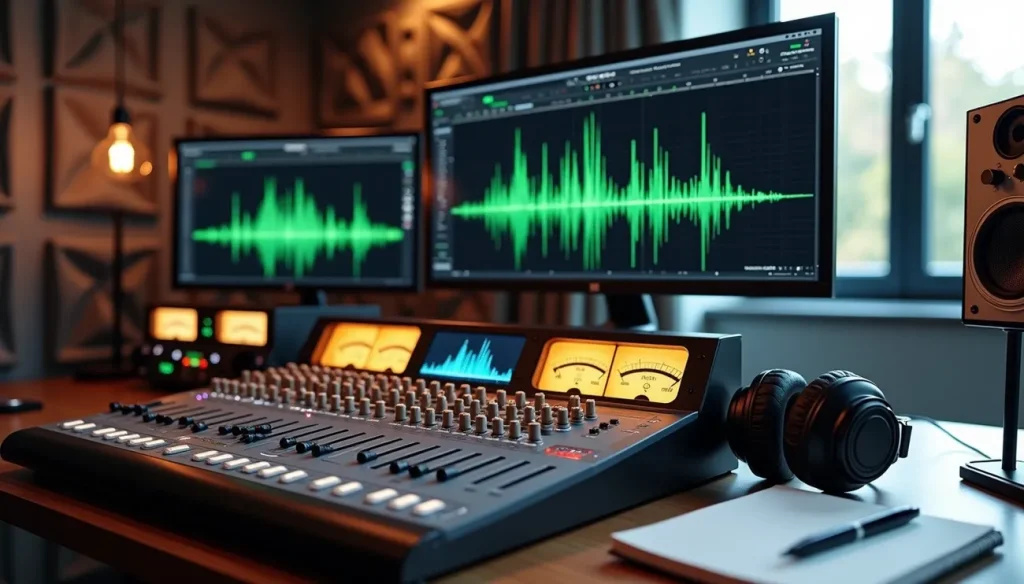
When you start audio mastering, you need to make several key decisions before you process a single track. These choices shape your learning path and determine how quickly you move toward professional results.
Choose Your Mastering Approach (DIY vs Professional)
Your budget, timeline, and learning goals will help you decide between mastering your own tracks or hiring a professional. DIY mastering gives you complete creative control and helps you understand what makes tracks sound professional. You learn by doing and build skills that improve every project you complete.
Professional mastering services deliver expertise and objectivity you can’t replicate alone. Experienced engineers hear problems you miss. They work in acoustically treated rooms with high-end monitoring. Critical releases like singles pushing for playlist placement or album launches need professional mastering. It provides insurance against costly mistakes.
At first, think about a hybrid approach. Master practice tracks yourself to build skills, then hire professionals when your most important releases come around. This strategy accelerates learning and ensures your best work receives expert treatment.
Set Up Your Listening Environment
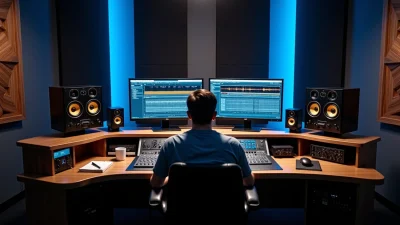
Your monitoring environment affects mastering decisions directly. Work in the quietest room available and position your speakers away from walls to minimize bass buildup. Place monitors at ear level and form an equilateral triangle with your listening position.
Add simple acoustic treatment using absorption panels at reflection points. Even DIY solutions like thick curtains or placed bookshelves improve monitoring accuracy. Test your room by playing reference tracks you know well. Note any frequency imbalances.
Quality headphones serve as secondary reference points. Use them to check details and verify your speaker-based decisions translate properly.
Select the Right Software and Plugins
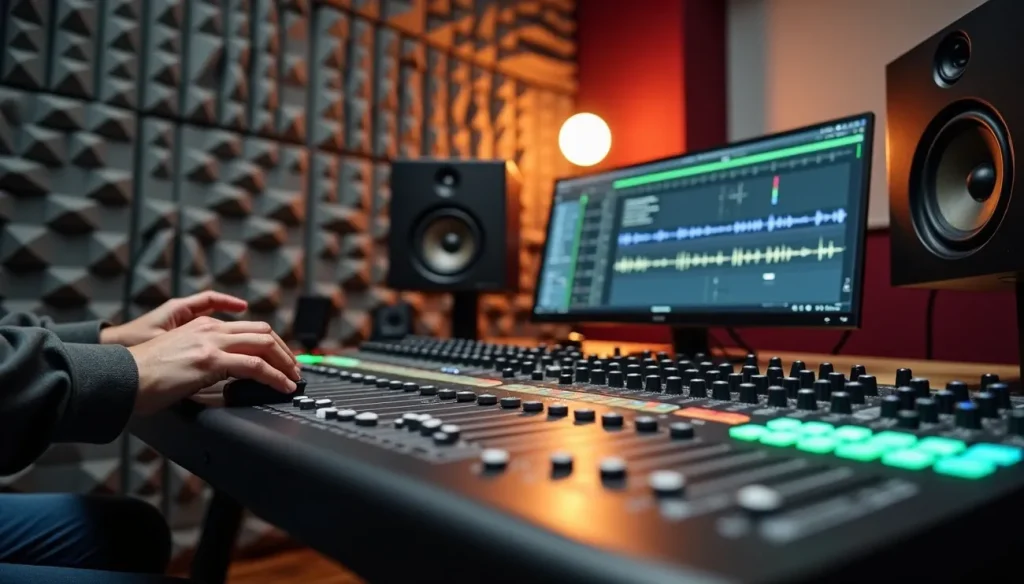
Start with what you already own rather than buying expensive mastering suites. Most DAWs include adequate EQ, compression and limiting tools. Focus on learning these really well before expanding your plugin collection.
Add specialized mastering tools as you progress. Linear phase EQ prevents phase issues during broad adjustments. Multi-band compression treats frequency ranges independently. A quality limiter proves necessary for achieving competitive loudness without distortion.
Free plugins often match paid options in sound quality. Experiment with different tools to find what works for your ears and workflow.
Learn to Use Reference Tracks
Reference tracks guide your mastering decisions by providing sonic targets. Choose professionally mastered songs in your genre with qualities you want to imitate. Load references into your DAW and match their levels to your master for accurate comparison.
Listen critically to frequency balance, stereo width and dynamic range. Switch between your track and references, and note specific differences. This practice trains your ears to recognize what professional mastering sounds like and reveals areas needing improvement in your work.
Audio Mastering Tips for Studio-Quality Results
Mastering knowledge takes discipline and attention to detail. These qualities separate acceptable results from studio-quality output. The practical tips below will guide your decisions during every mastering session.
Leave Headroom in Your Mix
Export your mix with peaks hitting no higher than -6 dBFS. This headroom prevents clipping during mastering processing. It gives you space to optimize loudness. Your mix crammed to 0 dB forces the mastering stage to work with already-limited material.
Use Subtle Processing
Small adjustments create impact in mastering. Limit EQ moves to 1-2 dB and compression ratios below 3:1. Heavy processing at this stage destroys the dynamics and clarity you built during mixing. Gentle refinements accumulate into improvements. Trust that.
Test on Multiple Sound Systems
Check your master on car speakers, studio monitors and earbuds. Problems hiding in one playback environment reveal themselves on another. A balanced master translates consistently on systems of all types.
Take Regular Listening Breaks
Ear fatigue clouds judgment after 45-60 minutes of listening. Step away and reset your view. Return with fresh ears. This practice prevents poor decisions made when your hearing has adapted to problems.
When to Seek Professional Help
Hire professional mastering when your track targets commercial release, playlist placement or album distribution. Seek expert help when you lack confidence in your monitoring environment or notice your masters sound different from commercial releases.
Table of Contents
Conclusion
You now have everything you need to understand what is audio mastering and start creating professional-quality tracks. Once you truly grasp what is audio mastering, you realize it is not just a final step, but a critical stage that defines how your music will be perceived across every system and environment.
The principles remain the same whether you choose to master your own music or hire an expert: subtle processing, controlled dynamics, and proper headroom while testing on different playback systems. Understanding what is audio mastering means learning how to make precise decisions that enhance your mix without destroying its original energy. Every adjustment—EQ, compression, limiting—should serve the music, not overpower it.
To go further, build your skills by mastering practice tracks first. Reference tracks will train your ears and help you better understand what is audio mastering in real-world scenarios. Compare tonal balance, stereo width, and loudness, and analyze why professional tracks translate so well everywhere. This is how you move from theory to true mastery.
Also remember that what is audio mastering is often misunderstood. It’s not about making tracks louder at all costs, but about achieving a balanced, polished sound that translates perfectly on club systems, headphones, cars, and streaming platforms. Loudness is only a byproduct of good mastering—not the goal.
Consistency is key. Your mastering skills will improve with each track you complete if you apply the same structured approach every time. Over time, your ears will become your most powerful tool, allowing you to instantly recognize what a track needs.
If you want to accelerate your progress, platforms like TEKNUP or BENLAB can help you refine your workflow and better understand what is audio mastering in a modern, AI-assisted environment. Combining practice, critical listening, and the right tools will take your sound to a professional level faster than you think.